修复最近的终端报错
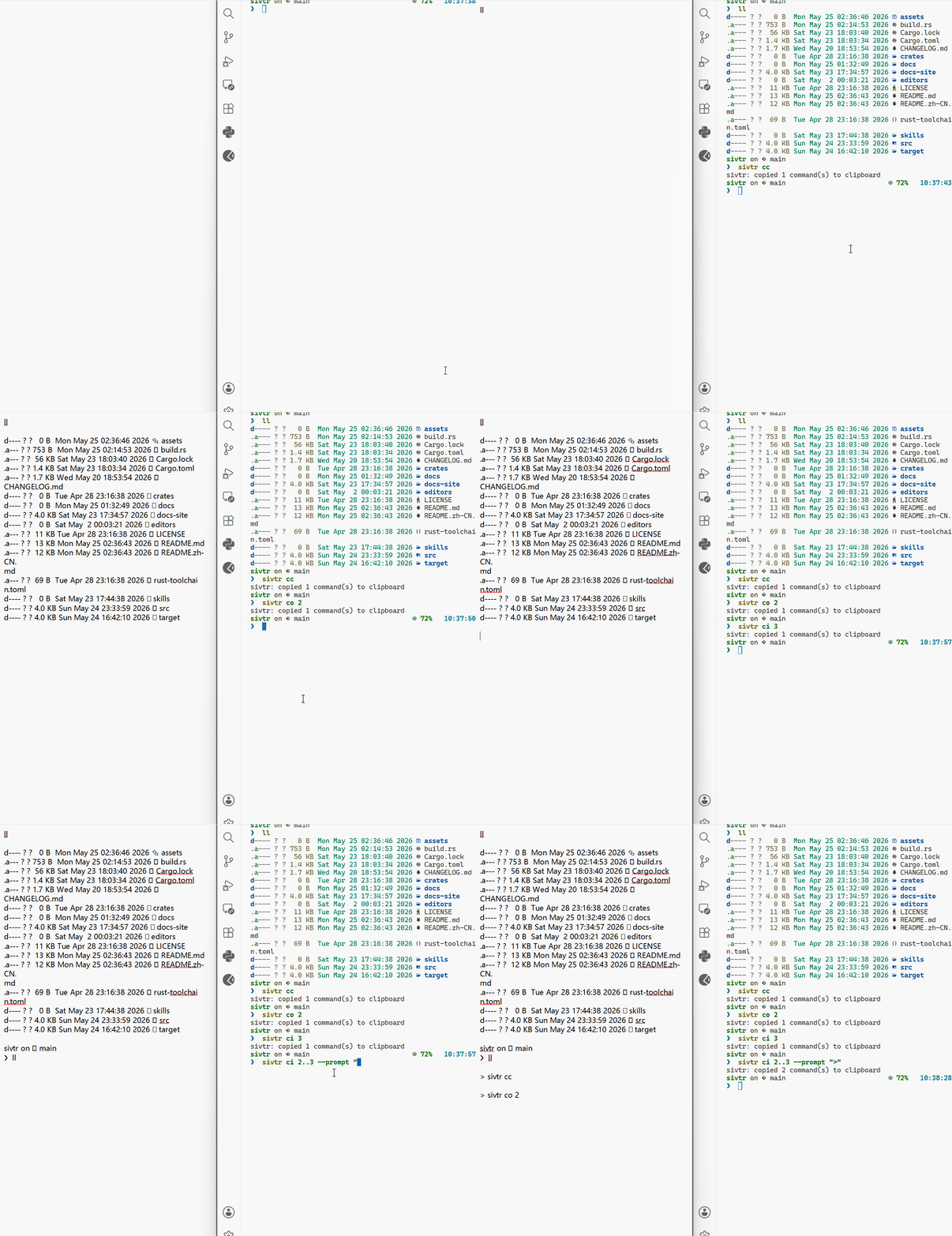
你运行了一个命令,失败了,想让 Agent 修。有了 sivtr,Agent 可以搜索最近的终端输出、读取相关文件、修复问题,并验证结果。
解决终端报错。命令失败后这样说:
Agent 在最近的 workspace 记忆中搜索失败信号:
sivtr search terminal --match "error|failed|panic|Traceback|Exception|exit code|could not compile|FAILED" --format json --limit 20sivtr search terminal --status failure --latest 1 --format json如果搜索片段不够,再展开最近一条命令输出:
sivtr copy out 1 --print然后它读相关源文件、修复问题、重新运行失败命令,并用验证输出汇报结果。
用户:解决终端报错。
Agent:我在 sivtr 记忆中找到最近失败:`cargo test` 报 error[E0432]——未解析的 import `crate::config::legacy`。我删除了 src/commands/show.rs 中的过期 import,重新运行`cargo test`,42 个测试全部通过。
视频演示大纲
Section titled “视频演示大纲”- 运行一个会失败的命令。
- 对 Agent 说:“解决终端报错。”
- 展示 Agent 用
sivtr搜索失败原因。 - 展示修复和验证输出。