Continue After Interruption
The scenario
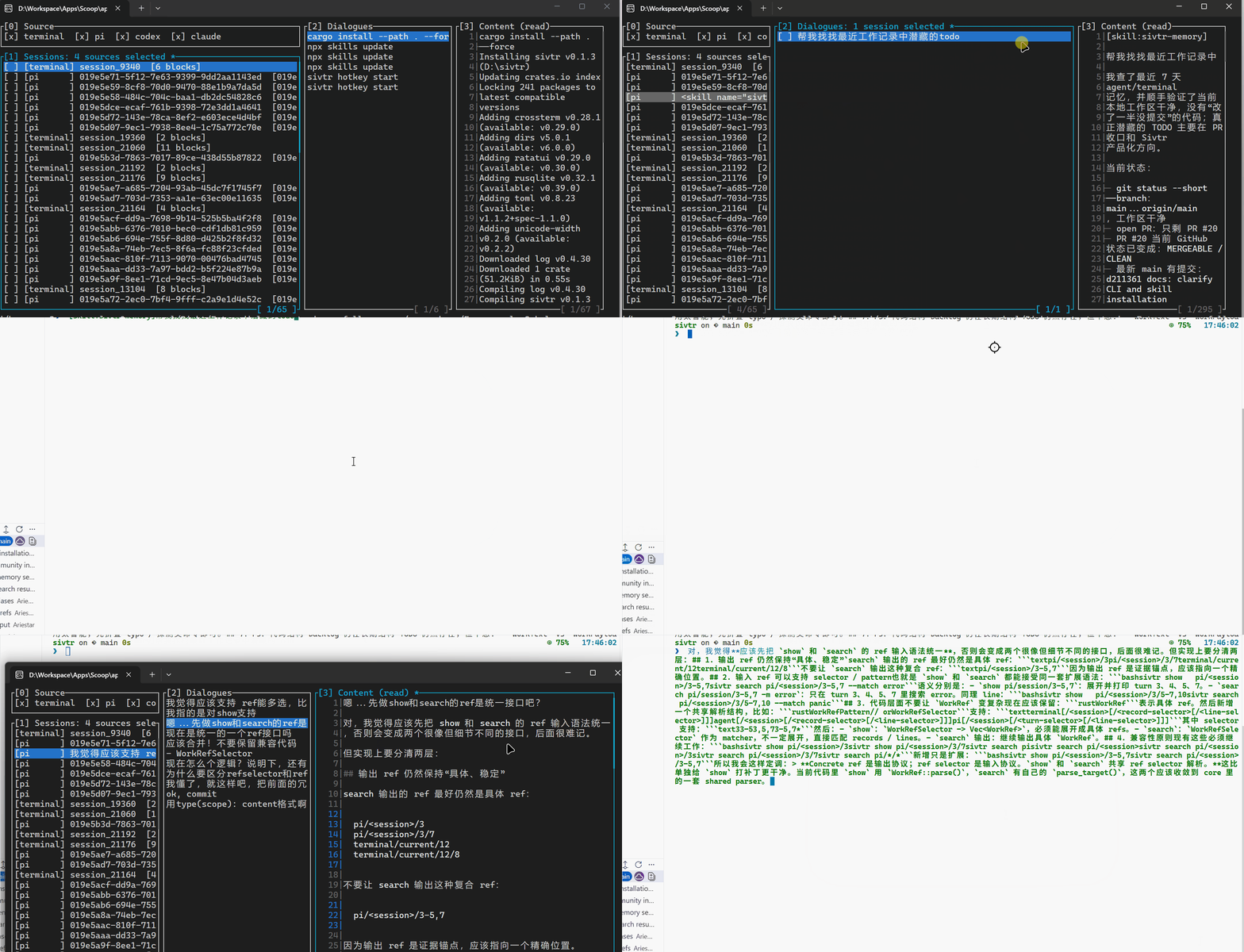
Section titled “The scenario”Your session was interrupted, compacted, or you switched context. You come back and say “continue.” With sivtr, the agent can search local memory for the most recent work thread.
What you say
Section titled “What you say”Continue.How it works
Section titled “How it works”The agent searches for recent goals, decisions, and validation markers:
sivtr search agent --match "next step|TODO|blocked|decision|test result|passed|failed" --since today --format json --limit 20sivtr search terminal --since today --sort oldest --format timeline --limit 20If one clear thread emerges, it continues. If multiple threads are plausible, it asks you to choose.
Example interaction
Section titled “Example interaction”User: Continue.
Agent: I found two recent threads in sivtr memory:1. Skills documentation (last activity: added playbooks section, build passed).2. VS Code extension packaging (last activity: tests passed, vsix built).Which one should I continue?Demo video outline
Section titled “Demo video outline”- Work on a task until some progress is made.
- Start a fresh agent session (simulating interruption).
- Say only “continue.”
- Show the agent reconstructing context from memory.