Build a Recent Work Timeline
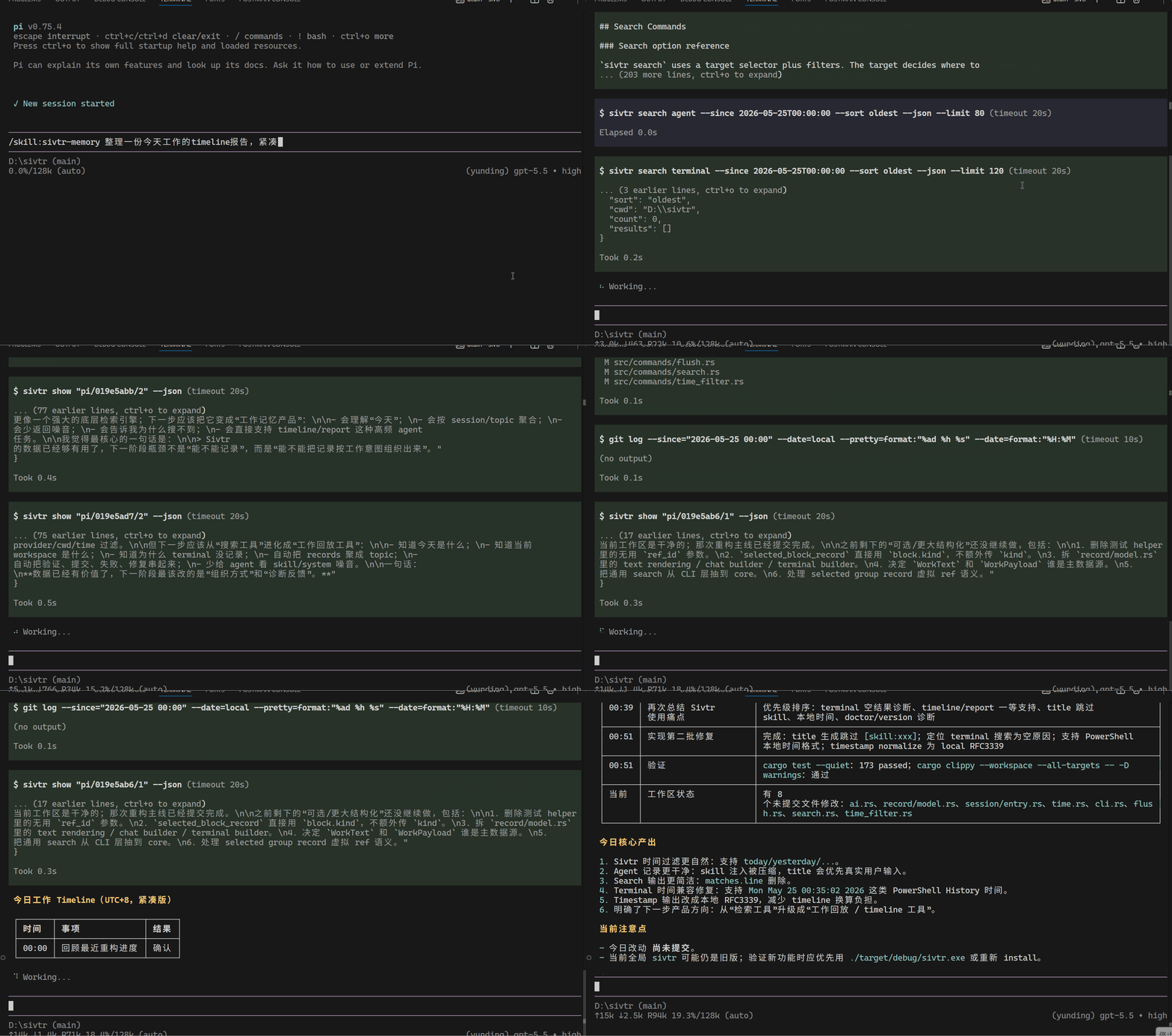
The scenario
Section titled “The scenario”You want a summary of what you worked on recently, grounded in real evidence. The agent can reconstruct a timeline from command timestamps, validation results, agent decisions, and workspace refs.
What you say
Section titled “What you say”Make a timeline of what I worked on recently.How it works
Section titled “How it works”The agent can first render timeline views directly:
sivtr search agent --since today --sort oldest --format timelinesivtr search terminal --since today --sort oldest --format timelineFor narrower evidence, it searches for planning, change, and validation markers:
sivtr search agent --match "TODO|next step|decision|changed|fixed|test result|passed|failed|commit|build" --since today --format json --limit 50It also inspects recent command titles:
sivtr copy cmd 1..20 --printThen it assembles a timeline where each entry has a timestamp, activity title, evidence ref, and outcome.
Example output
Section titled “Example output”1. 10:12 — Investigated docs build failure Evidence: terminal/current/4 (Astro check failing on missing page) Outcome: Fixed sidebar link; reran check successfully.
2. 10:43 — Reframed product docs around agent memory Evidence: claude/<session>/7 (discussed new positioning) Outcome: Docs updated; build passed.
3. 11:15 — Migrated docs-site from pnpm to Bun Evidence: terminal/current/9 (bun install + bun run build) Outcome: 57 pages built; all checks pass.Each entry traces back to a specific command output or agent dialogue.
Demo video outline
Section titled “Demo video outline”Show how an agent builds a timeline from sivtr memory with refs, timestamps, and verification results.